 Retech Lasers
Home › Software
Retech software
Laser software from Retech
Two programs from the Plotbot team: Plotbot, the control software that turns your artwork into laser jobs on Plotbot CO2 machines, and PlotNest, nesting software that fits more parts on every sheet.
⬇ Download Plotbot 5.11 for Windows · ⬇ PlotNest 30-day trial for Windows
Our software
Pick the right tool for the job
Laser control · Windows · Version 5.11
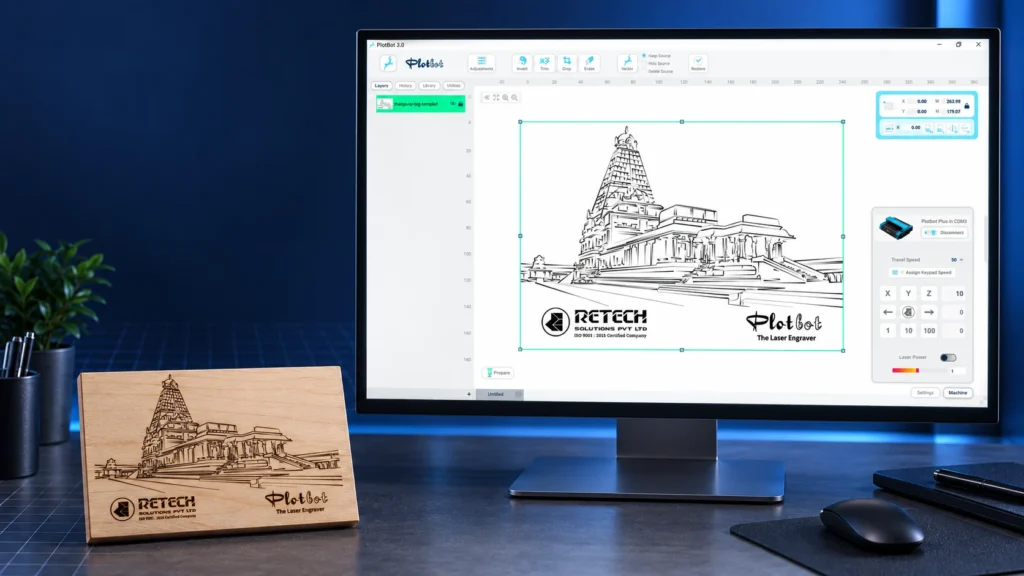
Plotbot software
Design, convert and cut on Plotbot CO2 laser machines. Plotbot turns images and vector drawings into laser-ready jobs, with material presets and a real-time preview.
- Opens PNG, JPG, BMP, TIF, SVG and DXF files
- Material presets for wood, acrylic, leather and more
- Runs Plotbot Plus, Pro and Max
Nesting · free 30-day trial
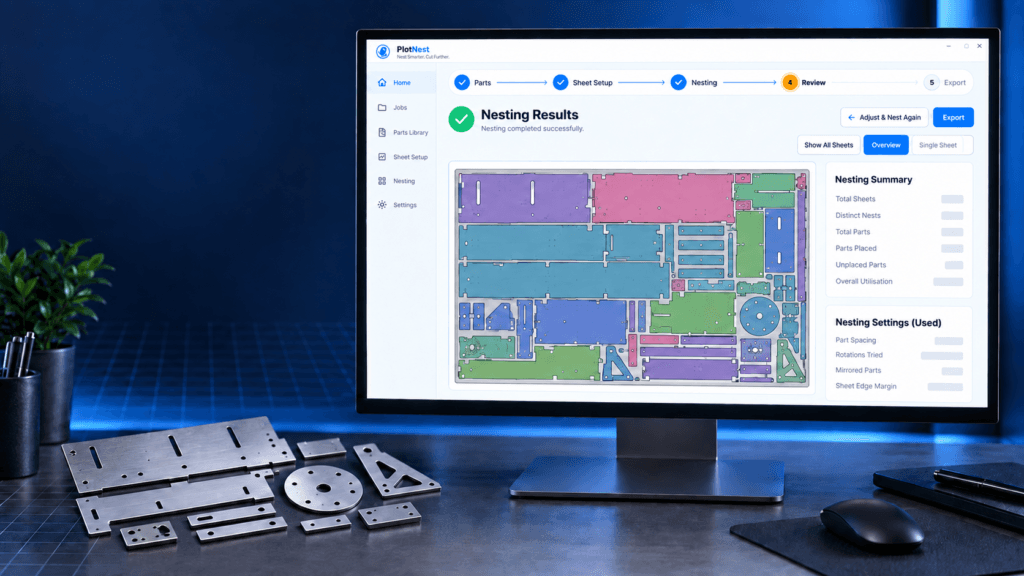
PlotNest nesting software
Arrange DXF and SVG parts on your stock sheets to cut more parts from less material, with utilisation, cut length, time and weight for every job.
- Parts library and saved sheet sizes
- Utilisation shown for every sheet
- Exports DXF layouts and a PDF report
Compare
Which software do I need?
| Feature | Plotbot | PlotNest |
|---|---|---|
| What it does | Prepares and runs engraving and cutting jobs on your Plotbot machine | Arranges batches of parts on stock sheets before cutting |
| Files in | PNG, JPG, BMP, TIF, SVG, DXF | DXF, SVG |
| Output | Laser jobs sent to the machine | Nested DXF layouts and a PDF report |
| Best for | Every Plotbot CO2 laser owner | Workshops cutting many parts from sheet stock |
| Runs on | Windows | Windows (free 30-day trial download); built as a cross-platform app |
| How you get it | Comes with Plotbot machines · free download | Free 30-day trial, then a paid licence |
You can use both: nest your parts in PlotNest, export the layout as DXF and open it in Plotbot to cut.
Not sure which software you need?
Tell us what you cut and we will point you to the right tool. Email plotbot.retech@gmail.com or call sales on +91 74488 00114.
Book a demo · get a quote · ask for service
Talk to Retech
Tell us what you need. Name and phone number are enough; the right person from our team will get back to you.