 Retech Lasers
Home › Service & Support
Service & Support
Expert support for your Plotbot
Get expert help from the team that built your machine. Find setup and maintenance guides, download software, or raise a service request.
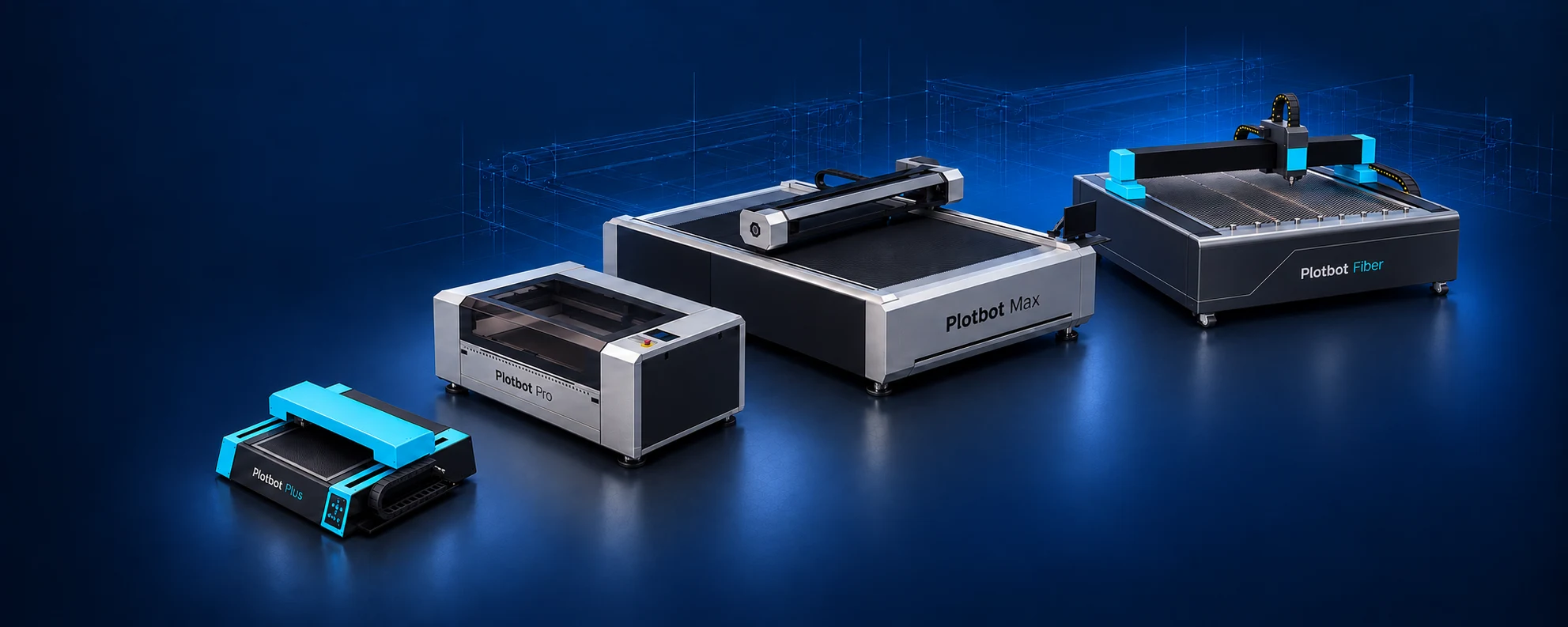
Service portal
Raise or track a service request
Sign in with your registered mobile number and the 6-digit PIN we send you on WhatsApp. You don’t need your Machine ID. Raise a complaint with up to 4 photos, then follow it through each stage: Raised → Diagnosis → Engineer assigned → Scheduled → Visited → Closed.
No PIN yet, or forgot it? Call Support on +91 74488 00113 or WhatsApp us and we’ll send it. If you own more than one Plotbot, you choose the machine after signing in.
Not an owner yet? Use the enquiry form instead.
Customer sign-in
Raise or track a service request
Open the full service portalStaff / admin sign-in
No PIN yet, or forgot it? Call Support on +91 74488 00113.
Machine care
Small checks. Safer, cleaner cutting.
Essential checks for your Plotbot CO2 machine. Follow the guidance for your model and contact our service team whenever you are unsure.
Before every job
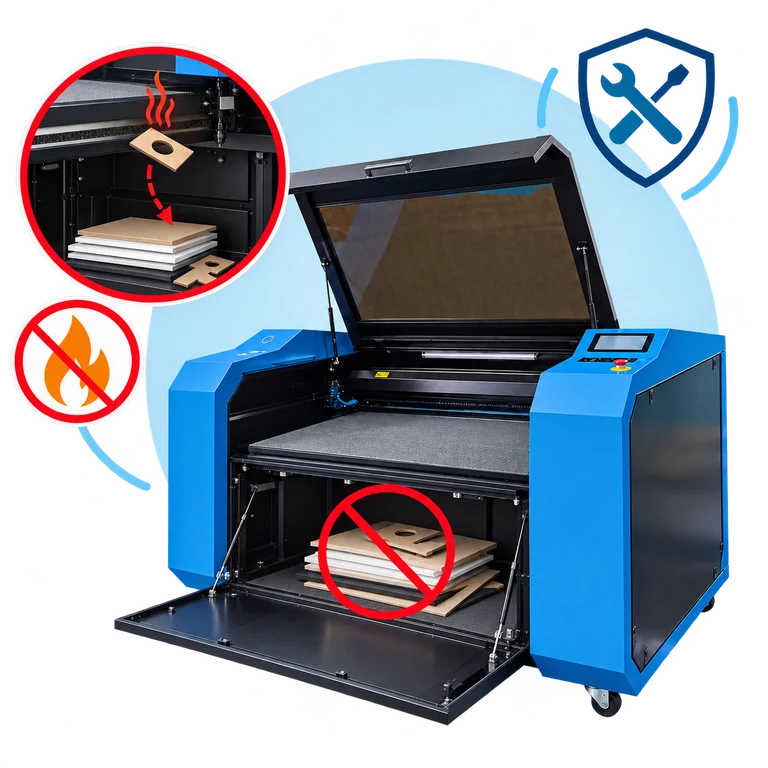
Keep the bed and lower compartment clear
Keep only the current workpiece on the cutting bed. Never store spare sheets, packaging or offcuts beneath the adjustable bed or behind its front access door. Falling hot offcuts can ignite stored material. Remove debris and never leave cutting unattended.
Before every job
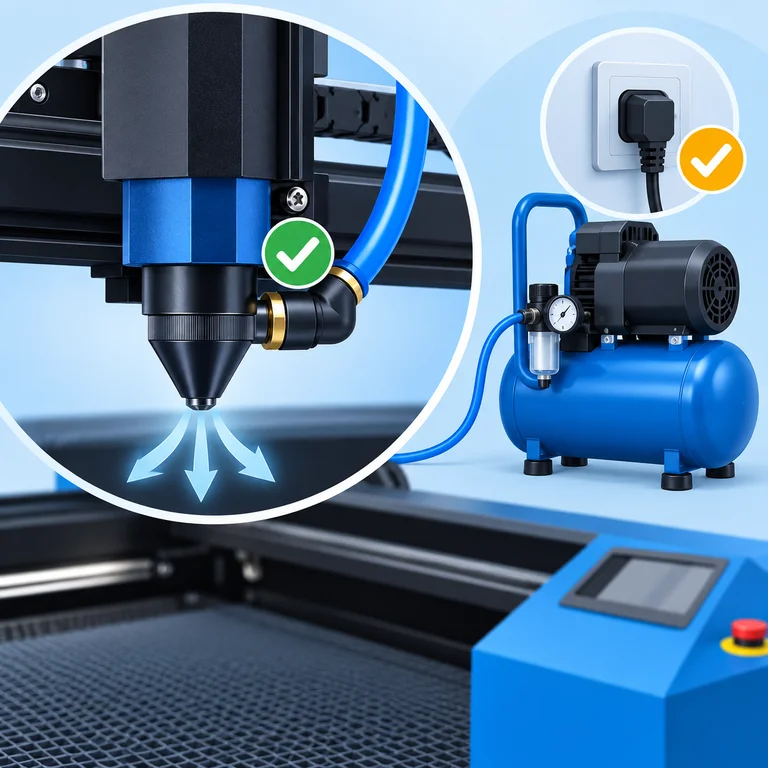
Confirm air assist and secure connections
Confirm steady airflow at the nozzle before cutting. Check the hose, fittings and compressor power connection for a secure fit. If airflow drops or a connection is loose, stop the job and correct it before continuing. Keep extraction operating as specified.
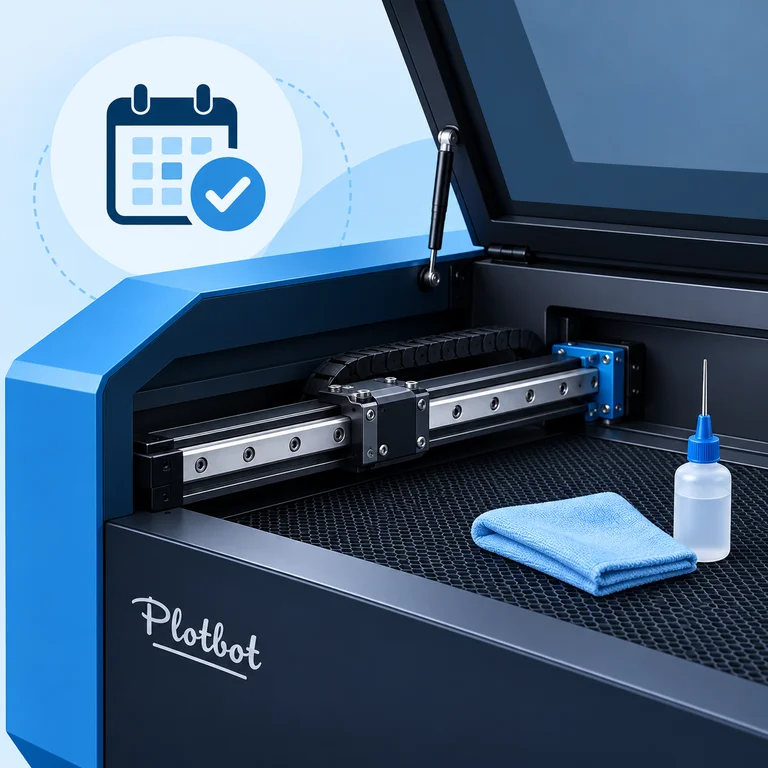
Regular inspection · quarterly service
Clean and lubricate linear rails
Inspect rails and moving components regularly. Clean and lubricate at least quarterly, or sooner with heavy use or dust, following your model’s guidance. Use Retech-recommended lubricant and methods; keep lubricant away from optics and the cutting surface.
Inspect before use
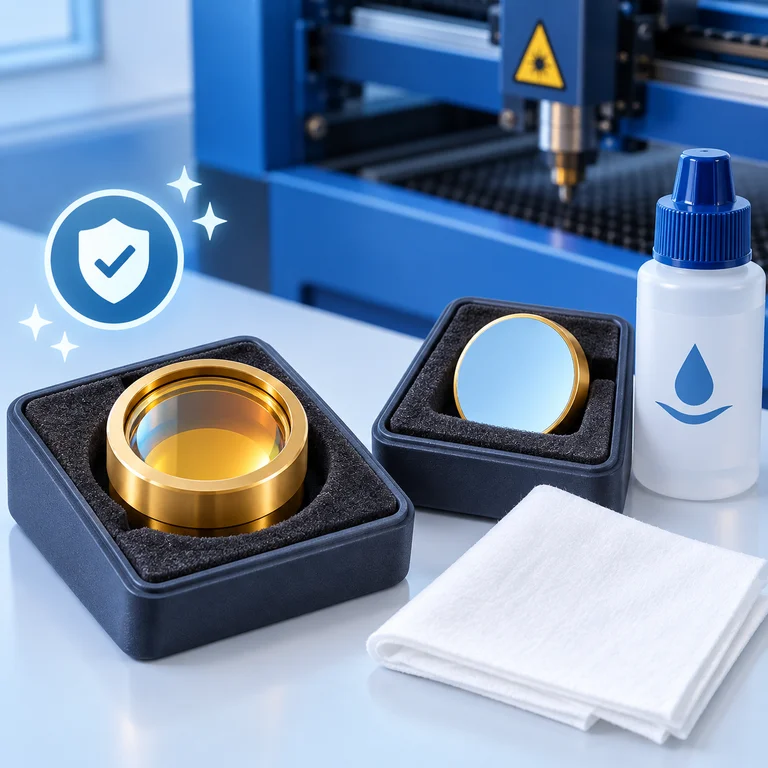
Keep mirrors and lenses clean
Inspect optics for smoke deposits and residue. Clean when needed; smoky materials may require weekly or more frequent cleaning. Use approved optical products and follow the Plus or Pro maintenance video. Avoid touching optical surfaces or using abrasive cloths.
Routine care · trained tube service
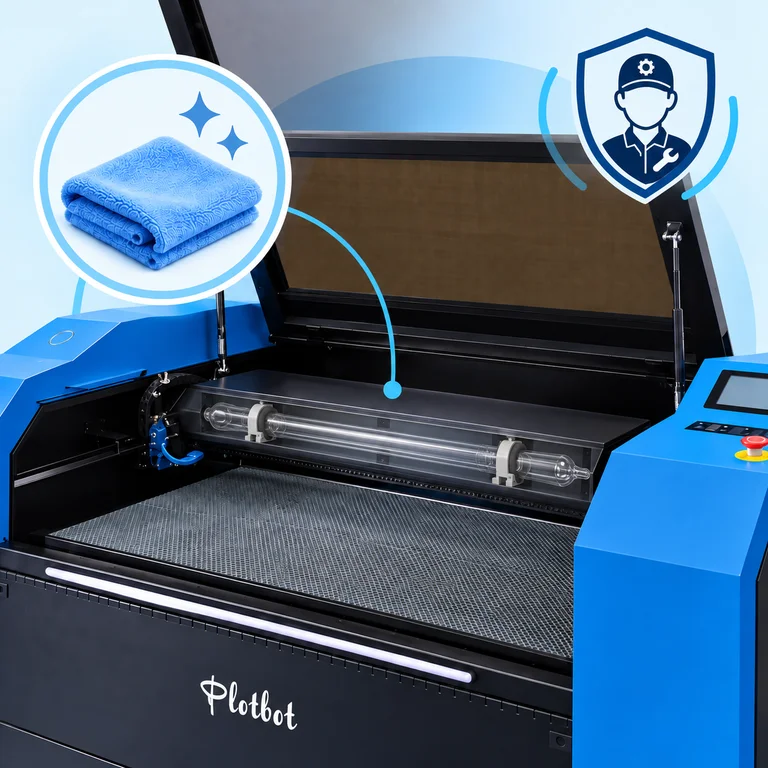
Keep the machine and tube area clean
Keep accessible surfaces, vents and the work area free of dust and residue. Tube layout varies by model. Ask trained Retech service personnel to inspect and clean the tube compartment; high-voltage components can remain hazardous after power is switched off.
Required installation check
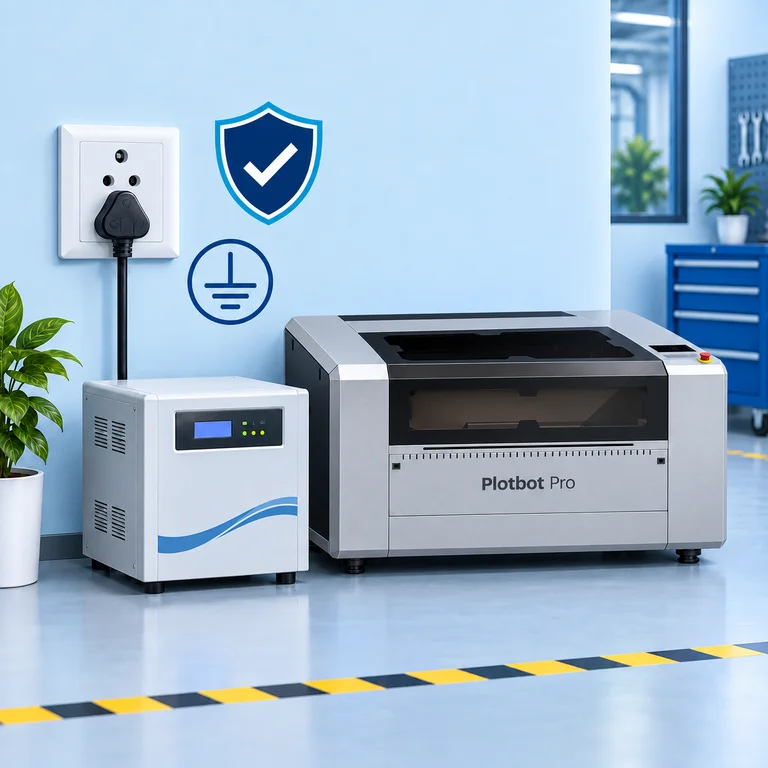
Use stable power and protective earthing
Use a correctly rated voltage stabilizer as specified by Retech. Have a qualified electrician verify the supply, protective earthing and protective devices for the building and machine. Stop use if a plug or cable is loose or damaged; do not bypass the earth connection.
Illustrations explain the checks; component layouts vary by model. Carry out operator maintenance only with the machine stopped and isolated according to its manual. Internal electrical and laser-tube work belongs with trained service personnel.
Get help
Call the right line first time
Support
+91 74488 00113
Setup, day-to-day operation, Plotbot software and cutting settings.
Call support →Service
+91 74488 00119
Service visits, repairs and spare parts for an installed machine.
Call service →Software help
plotbot.retech@gmail.com
Installation, versions and job settings in Plotbot software.
Send an email →+91 74488 00114
Send a photo or short video of the problem for a quick answer.
Chat on WhatsApp →Maintenance & how-to
Setup and maintenance videos
Plotbot Plus maintenance guide
Plotbot Pro maintenance guide
FAQ
Service and support questions
Visit us at No. 28, Sundar Nagar Extension, Varatharajapuram, Kundrathur, Chennai 600048.
Who do I call if my Plotbot stops working?
Call Service on +91 74488 00119 for repairs, service visits and spare parts. For help with setup, operation, software or cutting settings, call Support on +91 74488 00113. Keep your machine model handy so we can help faster.
Is there a user manual?
Yes. The Retech user manual is a free PDF download on this page. Step-by-step setup videos on our YouTube channel also take you from unboxing to calibration.
How do I keep my laser cutting machine in good condition?
Follow the maintenance videos for the Plotbot Plus and Plotbot Pro on this page: keep the optics and bed clean, check the water cooling, and keep the machine in a room between 0 and 40 °C. Call Support if anything looks or sounds different.
Which software version should I use?
Plotbot 5.11 is the latest release for Plotbot Plus, Pro and Max. The Plotbot Fiber runs Cypcut on its onboard computer. For software questions email plotbot.retech@gmail.com.
What warranty comes with my machine?
The Plotbot Fiber carries a 2-year limited warranty. For the CO2 models, your warranty terms are shared with your quote and invoice; call Sales on +91 74488 00114 if you need a copy.
Need a new machine instead?
Talk to sales about upgrading from a Plotbot Plus to a Pro or Max, or adding a Plotbot Fiber for metal.
Book a demo · get a quote · ask for service
Talk to Retech
Tell us what you need. Name and phone number are enough; the right person from our team will get back to you.